

Flashforge 3D Printer Comprehensive Guide: Innovation Meets Reliability
Welcome to the most Flashforge 3D Printer Guide for 2026. In this article, we dive deep into the latest innovations and models. This Flashforge 3D Printer Guide will help you understand which machine fits your needs, whether you are a hobbyist or a professional. Flashforge printers have become the go-to choice for educators, hobbyists, and small-scale manufacturers alike. This guide explores why Flashforge remains a powerhouse in the additive manufacturing world.
1. The Flashforge Philosophy: Stability and Accessibility
Unlike many “DIY-style” open-frame printers, Flashforge has historically championed the enclosed chamber design. This approach isn’t just about aesthetics; it’s about thermal stability. By controlling the internal environment, Flashforge machines ensure that high-temp materials like ABS and Nylon print with minimal warping, providing industrial results on a desktop scale.
2. Iconic Series Overview (2026 Edition)
Flashforge’s lineup is strategically divided to meet specific user needs:
- Adventurer Series: The “Plug-and-Play” champions. Perfect for schools and home users who want a hassle-free experience.
- Guider Series: Professional workhorses designed for large-scale prototypes and continuous 24/7 operation.
- Creator Series: The kings of IDEX (Independent Dual Extruders), allowing for mirror printing and soluble supports.
3. Why Choose Flashforge Over the Competition?
While competitors focus purely on raw speed, Flashforge focuses on the ecosystem. With their proprietary FlashPrint slicing software and integrated cloud management, they offer a seamless workflow that takes a 3D model from the screen to the build plate with just a few clicks.
Part 2: Top Flashforge Models of 2026: From Hobbyist to Pro
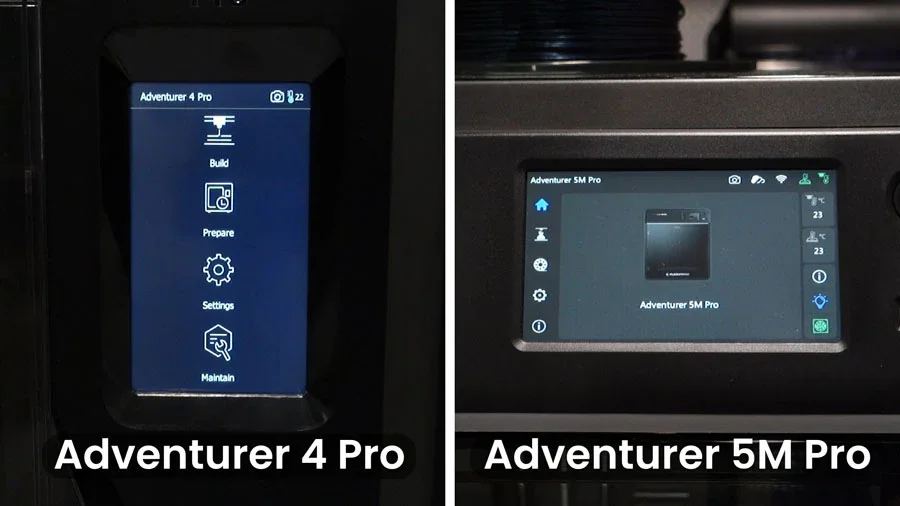
The 2026 Flashforge lineup reflects a decade of refinement. Whether you are a student printing your first benchy or an engineer producing functional parts, there is a specific machine designed for your workflow. Here are the flagship models defining the brand this year.
1. Flashforge Adventurer 5M Pro: The Speed Demon
The Adventurer 5M Pro is the high-speed evolution of the beloved Adventurer series.
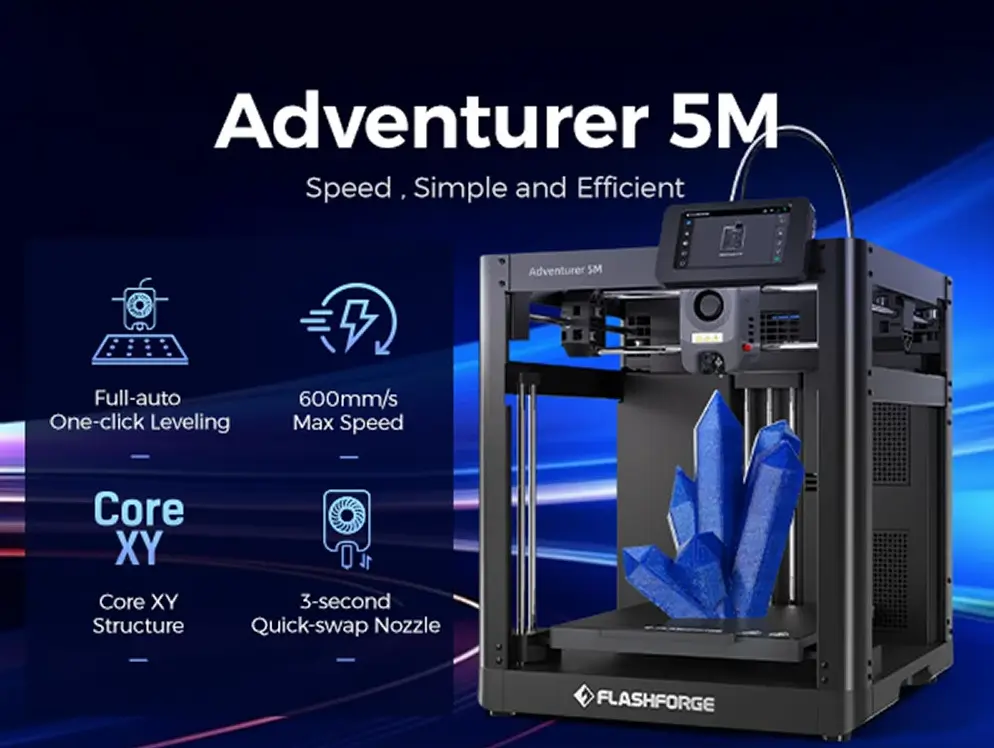
- Key Feature: Boasting speeds up to 600 mm/s and an acceleration of 20,000 mm/s², it matches the fastest printers on the market.
- Full Auto-Calibration: No more paper leveling. The 5M Pro uses a click-and-print system that handles bed leveling and Z-offset automatically.
- Air Filtration: Equipped with a dual-filter system (HEPA and Activated Carbon), it is safe for classroom environments.
2. Flashforge Guider 3 Ultra: The Industrial Workhorse
For those who need large build volumes and 24/7 reliability, the Guider 3 Ultra is the answer.
- Extra-Large Build Volume: Designed for massive prototypes without the need to cut models into pieces.
- Lightweight Motion System: Despite its size, the Guider 3 Ultra utilizes lightweight alloys to maintain high speeds without losing precision.
- Powerhouse Extruder: Capable of sustained temperatures for engineering plastics like Carbon Fiber and Glass Fiber filaments.
3. Flashforge Creator 4: The IDEX Mastery
The Creator 4 remains the gold standard for IDEX (Independent Dual Extruder) technology.
- Two Heads Are Better Than One: It can print two identical objects simultaneously (Mirror Mode) or use one head for the model and the other for water-soluble supports.
- Interchangeable Extruders: Depending on your material (Flexible, Engineering, or Carbon), you can swap the entire extruder module in minutes.
📊 Model Comparison at a Glance
| Feature | Adventurer 5M Pro | Guider 3 Ultra | Creator 4 |
| Best For | Home & Education | Industrial Prototypes | Dual-Material / IDEX |
| Max Speed | 600 mm/s | 500 mm/s | 350 mm/s |
| Enclosure | Fully Closed | Fully Closed | Fully Closed |
| Leveling | Full Auto | Full Auto | Manual/Semi-Auto |
🔍 Technical Insight
Flashforge has integrated Vibration Compensation (Input Shaping) across all these models in 2026, ensuring that high-speed movements do not translate into ghosting or ringing on the final print surface.
Part 3: The Ecosystem: FlashPrint 5 and FlashCloud Integration
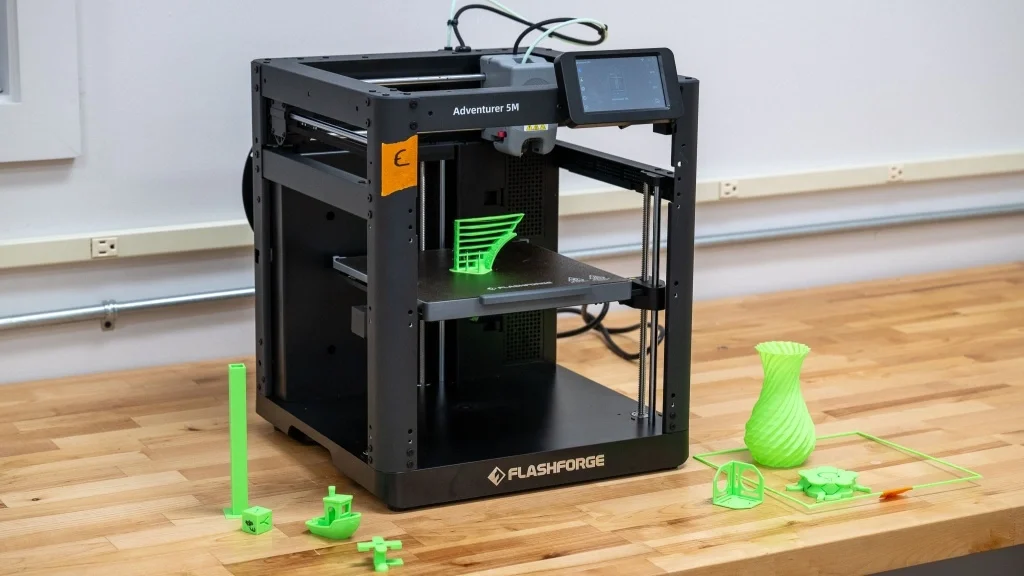
A high-quality 3D printer is only as good as the software that drives it. In 2026, Flashforge has moved beyond being just a hardware manufacturer to becoming a software powerhouse. The seamless integration between the slicer, the cloud, and the machine is what truly sets them apart for professional workflows.
1. FlashPrint 5: Smart Slicing Made Simple
FlashPrint 5 is the proprietary slicing software that has been redesigned for the 2026 generation of high-speed printers.
- Auto-Path Optimization: The slicer now uses AI to calculate the most efficient path for the nozzle, reducing print time by an additional 10-15% compared to generic slicers.
- Smart Support Generation: FlashPrint’s “Tree Support” algorithm has been perfected, allowing for supports that are incredibly easy to remove while using minimal filament.
- Expert vs. Basic Mode: Whether you are a beginner who wants “One-Click Print” or a pro who needs to tweak over 100 parameters, the dual-interface caters to everyone.
2. FlashCloud: Remote Management for Print Farms
For schools or businesses running multiple machines, FlashCloud is a game-changer.
- Multi-Device Control: You can upload a file once and distribute it to ten different Flashforge printers simultaneously.
- Real-Time Monitoring: Each machine’s built-in camera feeds directly into the FlashCloud dashboard, allowing you to monitor progress from your smartphone or home office.
- Status Alerts: Receive push notifications when a print is finished or if the filament has run out.
3. Open Filament System
While Flashforge offers its own high-performance filaments, the 2026 ecosystem remains fully open.
- Preset Profiles: FlashPrint comes pre-loaded with optimized settings for major third-party brands (like Polymaker or eSUN).
- Flexibility: This allows professionals to use specialized materials like ESD-safe or medical-grade filaments without being locked into a proprietary brand.
💻 Software Workflow Highlights
- Import: Drag and drop your STL/OBJ file into FlashPrint 5.
- Optimize: Use the “Auto-Repair” tool to fix any mesh errors in the 3D model.
- Slice: Choose a profile (Fast, Standard, or High Detail).
- Send: Send the file wirelessly via FlashCloud or Wi-Fi.
Part 4: Maintenance and Troubleshooting: Pro-Tips for Longevity
Owning a Flashforge in 2026 is a seamless experience, but like any precision instrument, these machines require regular care to maintain their high-speed performance. Here is how to keep your Adventurer or Guider series running like new.
1. Routine Maintenance Checklist
To prevent “ghosting” or mechanical failures, follow this 2026 maintenance schedule:
- Axis Lubrication (Every 200 Hours): Clean the guide rods and Z-axis lead screws with a soft cloth and apply white lithium grease or the silicone lubricant provided by Flashforge. This ensures smooth movement at 600 mm/s.
- Build Plate Care: For PEI plates, clean with 90% Isopropyl Alcohol after every 5 prints to remove skin oils. If adhesion drops, a simple wash with warm water and dish soap works wonders.
- Filter Replacement: On models like the Adventurer 5M Pro, remember to replace the HEPA13 and Activated Carbon filters every 3-6 months to maintain air quality.
2. Solving Common Issues (Troubleshooting)
Even the best AI error detection can’t fix everything. Here’s how to handle common 2026 hurdles:
- Nozzle Clogs: If you experience under-extrusion, use the “Cold Pull” method or the provided unclogging pin. Flashforge’s quick-swap nozzles make it easy to simply pop the nozzle out for deep cleaning.
- First Layer Issues: If the nozzle is scraping the bed or the print isn’t sticking, re-run the Full Auto-Calibration. In 2026, Flashforge’s software allows you to adjust the Z-Offset in 0.01mm increments while the print is running.
- Firmware Sluggishness: If the touchscreen feels unresponsive, check for OTA (Over-The-Air) updates. Flashforge frequently releases patches that optimize the NPU (Neural Processing Unit) for better error detection.
3. The “Quick-Swap” Advantage
One of Flashforge’s greatest innovations is the tool-less nozzle replacement.
- How-to: Simply press the side buckles, pull the old nozzle down, and click the new one in.
- Pro Tip: Always recalibrate the Z-offset after switching between different nozzle sizes (e.g., from 0.4mm to 0.6mm) to ensure perfect first-layer adhesion.
🛠️ Troubleshooting Summary
| Problem | Likely Cause | Solution |
| Stringing | Wet Filament | Use the AMS 2 Pro drying feature or a dedicated dryer. |
| Warping | Drafty Environment | Ensure the enclosure door is closed and increase bed temp by 5°C. |
| Layer Shifting | Loose Belts | Use the built-in belt tensioners located at the back of the XY-axis. |
FAQ & Final Verdict – Everything You Need to Know
To conclude our comprehensive guide, we have compiled the most common questions users ask about Flashforge 3D printers in 2026. Whether you are a first-time buyer or looking to upgrade, these insights will help you make an informed decision.
Frequently Asked Questions (FAQ)
1. Is Flashforge better than Bambu Lab in 2026? It depends on your needs. While Bambu Lab is known for raw speed and the AMS system, Flashforge excels in thermal stability (enclosed chambers) and specialized industrial series like the IDEX-equipped Creator 4. If you print technical materials like ABS/Nylon frequently, Flashforge’s enclosure design offers a significant edge.
2. Can I use third-party filaments with Flashforge printers? Yes. Although Flashforge offers high-quality proprietary filaments, their machines feature an Open Filament System. You can use any 1.75mm filament from brands like eSUN, Polymaker, or Prusament by simply adjusting the settings in FlashPrint 5.
3. Does Flashforge support multi-color printing? As of 2026, Flashforge supports multi-material printing primarily through its IDEX (Independent Dual Extruder) systems like the Creator 4. This allows for two-color prints or using soluble supports, which is often preferred for professional/functional parts over decorative multi-color systems.
4. Is the FlashPrint 5 software free? Absolutely. FlashPrint 5 is free to download and use with all Flashforge machines. It is widely regarded as one of the most stable and user-friendly proprietary slicers on the market.
5. How loud are Flashforge printers during high-speed operation? Models like the Adventurer 5M Pro feature “Silent Stepper Drivers” and a noise-reducing chassis. Even at 600 mm/s, the noise level stays around 45-50 dB, making it quiet enough for a library or a home office.
🚀 Final Verdict: Which One Should You Buy?
- For Beginners: The Adventurer 5M Pro is the winner due to its “out-of-the-box” readiness and safety features.
- For Small Factories: The Guider 3 Ultra offers the best price-to-performance ratio for large-scale production.
- For Engineers: The Creator 4 is the ultimate choice for complex, multi-material functional prototypes.