


Is Your Printer Still At Peak?
Analyze the mechanical integrity and remaining lifespan of your hardware.
Path: Settings > Maintenance > Total Print Time
Scanning Bambu Lab fleet database…
Est. Remaining Life: 0 Hours
Hardware Investment – Bambu Lab Life Expectancy Calculator – Analyze Your Printer’s Health
Owning a Bambu Lab (X1C, P1S, or A1 series) is like owning a high-performance sports car. These machines, capable of speeds up to 500mm/s, operate under much higher mechanical stress than standard 3D printers. But how do you know when your printer is reaching its limit? Here is why a Bambu Lab Life Expectancy Calculator is essential for analyzing your machine’s health:
1. High-Speed Mechanical Wear Analysis
Bambu Lab printers utilize carbon fiber rods and high-torque stepper motors to achieve record-breaking speeds. However, this speed comes with a price: mechanical fatigue.
- Calculation Parameter: Do you constantly run your printer in “Ludicrous” mode? High-speed modes can accelerate bearing and belt wear by an estimated 20-30% compared to standard settings.
2. Hourly Usage and Depreciation Tracking
You can find your “Total Print Time” directly on your printer’s screen or via the Bambu Handy app. This data is the foundation of your printer’s economic life calculation.
- Pro Scenario: If a Bambu Lab X1-Carbon is expected to run for 10,000 hours without major failures, divide your purchase price by these hours to find your hourly “wear cost.” This is the first step in a professional health status analysis.
3. Aging Process of Critical Components
In the Bambu Lab ecosystem, some parts age faster than others:
- Nozzle and Hotend: If you frequently use the AMS (Automatic Material System) for multi-color prints, the high number of retractions directly impacts nozzle longevity.
- Belts: As the heart of the CoreXY system, belts lose their elasticity with every high-acceleration move.
4. Software vs. Hardware Longevity
Bambu Lab is a closed-source system. This means the life expectancy of your printer depends not just on physical parts, but also on software support. When analyzing health, we consider the ongoing availability of firmware updates as a key factor.
Pro Tip: Calculating your Bambu Lab’s life expectancy isn’t just about knowing when to buy a new machine; it’s about predicting when the AMS (Automatic Material System) gears will need maintenance. A printing service that ignores hardware depreciation is not sustainable in the long run.
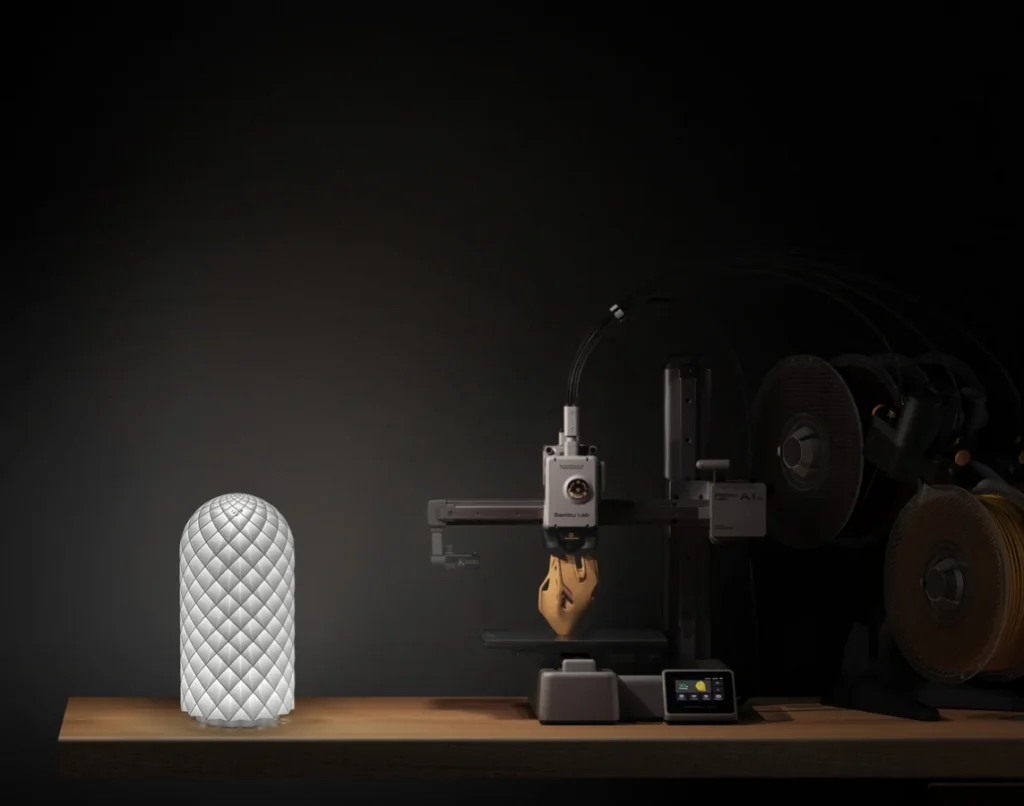
Consumables and Maintenance Intervals – Bambu Lab Life Expectancy Calculator – Analyze Your Printer’s Health
The high-performance nature of Bambu Lab printers (X1, P1, and A1 series) puts significantly more stress on components than standard machines. The second stage of our Bambu Lab Life Expectancy Calculator involves analyzing the lifespan of consumables and parts that require periodic maintenance.
1. Nozzle (Hotend) and Extruder Gear Longevity
Bambu Lab’s proprietary stainless steel or hardened steel nozzles are durable, but the type of filament you use changes the calculation multiplier:
- PLA/PETG: Approximately 1,500–2,000 hours of life.
- PA-CF / PET-CF (Carbon Fiber): Even with hardened steel, abrasive materials can shorten life by 40%.
- Analysis: If your print surfaces are becoming rough, your nozzle might be in its final 10% of economic life.
2. AMS (Automatic Material System) Gear and Feed Life
For users doing multi-color prints, the AMS is the most critical part. Every color change (purge) wears down the filament feeder gears and PTFE tubes.
- Calculation Parameter: Total “Filament Changes.” After 5,000+ swaps, play can develop in the feeder motors and gears, which is a vital metric for a Bambu Lab Health Analysis.
3. Carbon Rods and Bearings
The carbon fiber rods in the X1 and P1 series provide high speed due to their lightness but are not lubricated. Keeping these rods clean is the most decisive factor for your printer’s “physical life.”
- Maintenance Alert: Dust and residue on the rods wear down the internal bearings, causing “step loss.” This can reduce the machine’s life by 25%.
4. Belt Tension and Wear Analysis
Bambu Lab’s CoreXY system places a massive load on belts due to high acceleration (20,000 mm/s²). As belts stretch, print precision is lost.
- Critical Threshold: A belt tension test should be performed every 500–1,000 hours. The “fatal wear” point where belts usually need full replacement is around 4,000–5,000 hours.
Professional Advice: Don’t wait for a “Maintenance Required” alert on your Bambu Lab printer. Use the data from our Bambu Lab Life Expectancy Calculator to perform preventative maintenance. Remember, a $20 part replaced on time can prevent a $200 motor failure.
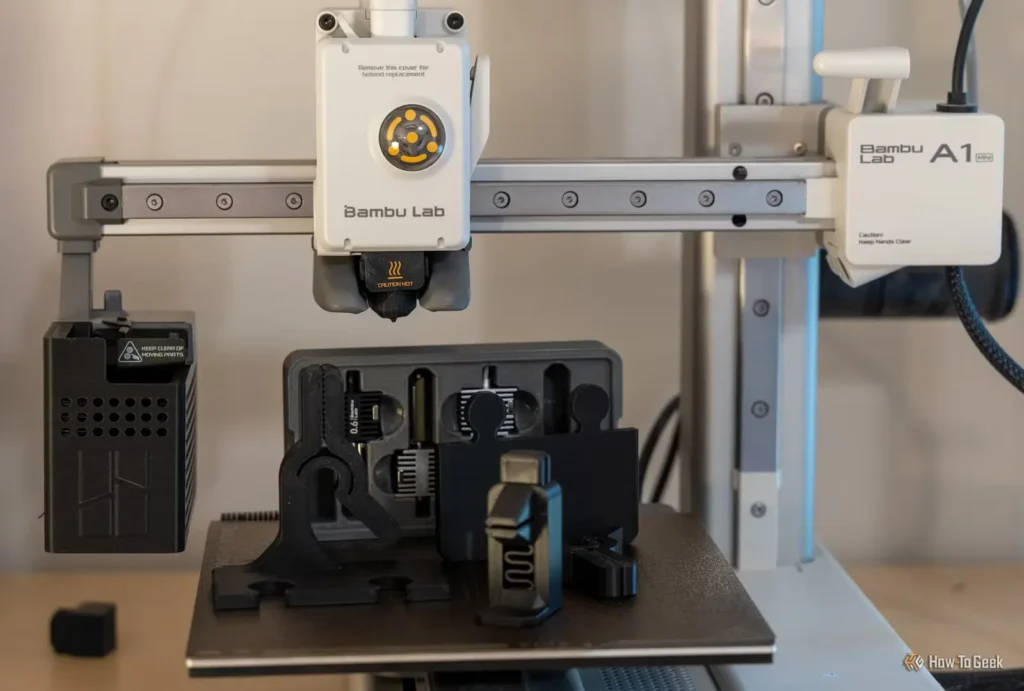
Electronic Components and Thermal Fatigue – Bambu Lab Life Expectancy Calculator – Analyze Your Printer’s Health
The high performance of a Bambu Lab printer is not just about powerful motors; it depends on complex electronic boards processing thousands of data points per second. In the Bambu Lab Life Expectancy Calculator process, the most overlooked but costly part is “Electronic Aging.” Here are the critical points for analyzing your machine’s electronic health:
1. Motherboard and MC Board Fan Life
In the Bambu Lab P1 and X1 series, small fans cooling the motherboard are active as long as the device is running. These fans are crucial for thermal management.
- Critical Threshold: After 5,000 hours of use, noise increases or RPM drops in the fan bearings are observed. Without cooling, the lifespan of a motherboard can be shortened by 50% due to thermal fatigue.
2. Heater Cartridge and Thermistor Sensitivity
Bambu Lab’s ceramic heaters provide very fast heat-up times. However, every heating and cooling cycle (Thermal Cycling) leads to metallic fatigue.
- Health Analysis: If the time to reach the target temperature is 10-20% longer than before, or if temperature fluctuations (PID oscillation) start, the heater element has entered its final quarter of life.
3. Cable Chain and Wire Fatigue
At high speeds, the toolhead cables are subject to constant back-and-forth movement, undergoing thousands of bends. Our Bambu Lab Life Expectancy Calculator uses a “Bend Count” multiplier here.
- Risk Factor: Microscopic breaks in the copper wires inside the cable cause random “Homing Error” or “Cutter Error” messages during a print. This usually begins after 3,000-4,000 hours of heavy use.
4. Power Supply (PSU) Efficiency
Bambu Lab devices draw significant current for the heatbed. Capacitors inside the power supply have a “chemical life.” Printers operating in hot climates or inside closed enclosures will see a faster decline in PSU longevity.
Technical Warning: The easiest way to extend the life of electronic components is to clean your printer’s fans with compressed air every 500 hours. If your Bambu Lab Health Analysis data shows “Abnormal Heating,” it is the biggest sign that you are consuming the lifespan of the components on the motherboard.
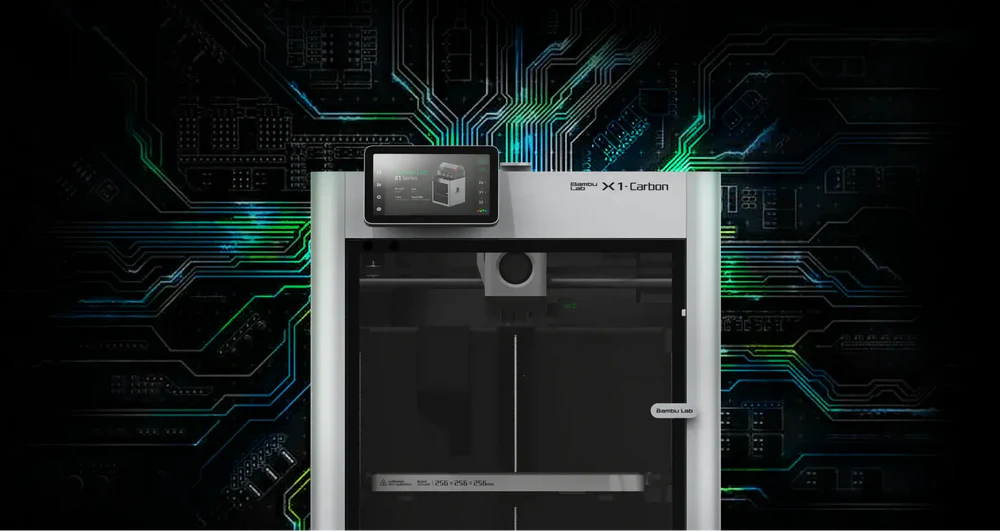
Software Support and Technological Obsolescence – Bambu Lab Life Expectancy Calculator – Analyze Your Printer’s Health
Bambu Lab printers (X1C, P1S, and A1) are not just mechanical machines; they are software-driven ecosystems. In the Bambu Lab Life Expectancy Calculator process, “Technological Obsolescence” can occur long before physical breakdown. Here are the factors affecting your machine’s digital health:
1. Firmware Updates and Hardware Compatibility
Bambu Lab constantly releases updates adding new features. However, every new software layer can place more load on the internal processor.
- Analysis: When an older generation processor can no longer handle complex new algorithms (like AI-supported spaghetti detection), the machine has reached its “technological end of life.”
2. Cloud Connectivity and Server Support
Sending prints via Bambu Studio or Bambu Handy requires your printer to connect to Bambu’s cloud servers.
- Risk Factor: If a manufacturer ever limits cloud support for a specific legacy model, the printer’s remote control capabilities will be diminished, effectively ending its “connected life.”
3. Slicer Compatibility and New Features
Modern slicing techniques (like more efficient infill patterns or high-speed optimizations) may not run at full performance on older hardware. When performing a Bambu Lab Health Analysis, how quickly the machine responds to modern software is a critical metric.
4. Spare Part Availability and Ecosystem Life
Since Bambu Lab is a closed system, spare parts are often manufacturer-dependent. Once production for a model stops, the eventual lack of official spare parts can make a physically functional machine unrepairable.
Digital Tip: To extend your printer’s life, learn to use LAN Mode (Local Area Network). If cloud support is ever interrupted, the ability to print over your local network will add years to your machine’s usability. Our Bambu Lab Life Expectancy Calculator scores this “independent operation” capability highly.

Total Cost of Ownership and FAQ – Bambu Lab Life Expectancy Calculator – Analyze Your Printer’s Health
Buying a Bambu Lab (X1C, P1S, or A1) is just the beginning. The final stage of the Bambu Lab Life Expectancy Calculator process is determining your Return on Investment (ROI) and knowing exactly when to upgrade.
1. Total Cost of Ownership (TCO) Analysis
The real cost of your printer is calculated with this formula:
- TCO = (Purchase Price + Total Filament/Electricity + Replacement Parts + Maintenance Labor) / Total Successful Prints.
- Analysis: If your cost per print is higher than the efficiency gain promised by a newer model, your machine has reached its economic end of life.
2. When to Upgrade Your Bambu Lab?
It makes sense to sell your current machine and upgrade when these three signs align:
- Mechanical parts require weekly instead of monthly maintenance.
- New Slicer features (like AI-supported error detection) lag on your older processor.
- The resale value is still high enough to fund a significant portion of a new model.
3. Frequently Asked Questions (FAQ)
Q1: How long does a Bambu Lab printer typically last?
- Answer: With proper maintenance, a Bambu Lab printer can exceed 10,000 hours. However, high-wear components like nozzles and belts usually need replacement every 1,500–3,000 hours.
Q2: Does “Ludicrous Mode” shorten the printer’s life?
- Answer: Yes. Running at 166% speed increases vibration and heat, which can accelerate mechanical fatigue in the bearings and belts by approximately 25%.
Q3: How often should I clean the Carbon Rods?
- Answer: For X1 and P1 series, it is recommended to wipe the carbon rods with 99% IPA every 500 hours of printing to prevent friction-related motor wear.
Q4: Is the AMS covered in the life expectancy calculation?
- Answer: Yes. The AMS has its own wear cycle, primarily in the feed gears and PTFE tubes. High-frequency filament changes significantly impact the “AMS health score.”
Q5: Can I track my total print hours?
- Answer: Yes, you can view the “Total Print Time” in the device settings on the printer’s screen or via the Bambu Handy app under device information.
Strategic Advice: For professional users, the most profitable method is to cycle hardware every 3,500–4,000 hours. This allows you to sell the unit while it still has high resale value and upgrade to the latest technology without facing major hardware failures. Our Bambu Lab Health Analysis report is designed to help you plan this cycle.