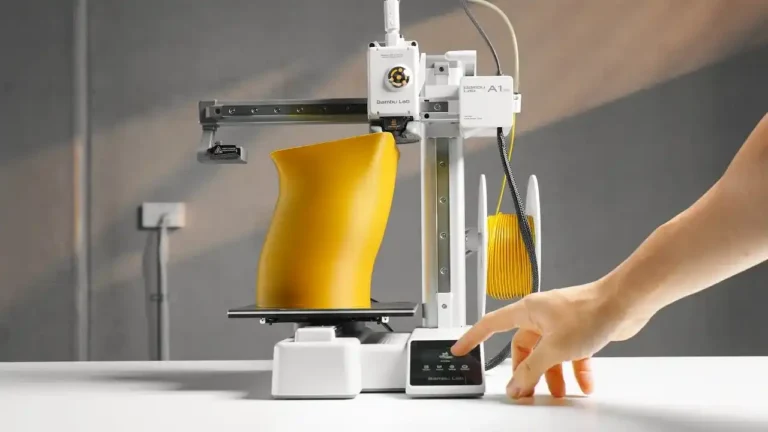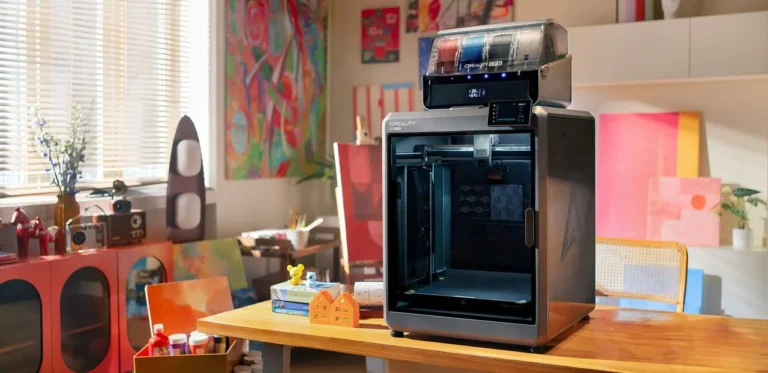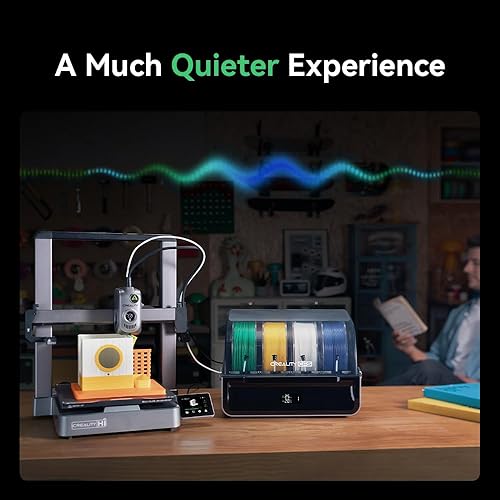
Creality Hi vs Bambu Lab A1: Quick Summary
If you’re searching for a Creality Hi vs Bambu Lab A1 comparison, you’re likely trying to answer one main question: Do you want maximum plug-and-play reliability (A1), or more flexibility and mod-friendly value (Creality Hi)? These two options appeal to different types of makers.
- Bambu Lab A1 is designed for people who want fast setup, high success rate, and minimal tinkering.
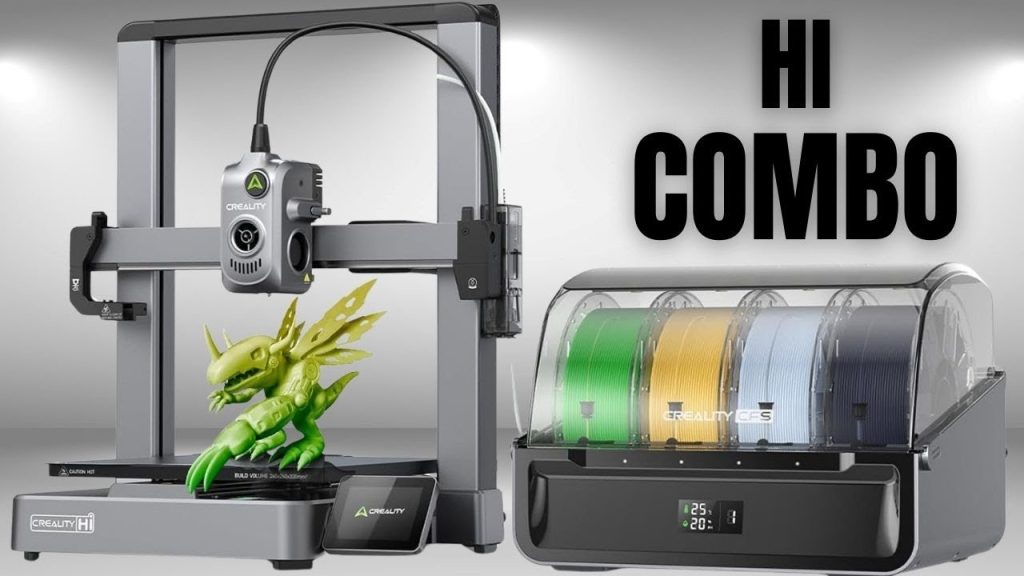
- Creality Hi (as a Creality “Hi” line concept) generally aims at cost-effective hardware, broad community support, and upgrade potential, sometimes with more hands-on calibration.
This comparison focuses on the factors that matter most for buyers: print quality, speed, ease of use, reliability, ecosystem, maintenance, materials, and total cost of ownership.
1) Print Quality: Real-World Results
Bambu Lab A1 tends to deliver more consistent results for beginners and busy users because it’s optimized as a “system”: hardware + firmware + slicer profiles are tightly integrated. That usually translates into:
- smoother first layers
- fewer random failures after setup
- consistent wall quality across common PLA/PETG jobs
Creality Hi can absolutely produce excellent prints, especially after tuning. The key difference is that many Creality-ecosystem printers shine when the user is willing to:
- calibrate extrusion / flow
- tune retraction
- adjust acceleration/jerk
- refine filament profiles per brand/material
Verdict (Quality):
- Choose Bambu Lab A1 if you want high quality with minimal tuning.
- Choose Creality Hi if you’re comfortable tuning for maximum value per dollar and like optimizing machines.
2) Speed and Motion System: How Fast is “Fast”?
Speed is one of the most searched topics in any Creality vs Bambu Lab debate.
Bambu Lab A1 is built around modern high-speed printing expectations: it typically aims to run fast while preserving quality through better motion control, strong default profiles, and robust error handling. Even if you don’t chase insane speed, the “daily” benefit is that normal prints finish sooner with fewer compromises.
Creality Hi often depends on the specific configuration and how aggressively you tune it. In many Creality-style machines, you can reach high speeds, but reliability at those speeds may depend on:
- frame stiffness
- cooling performance
- firmware settings
- profile tuning
Verdict (Speed):
- A1 is usually the safer bet for fast printing without constant tuning.
- Creality Hi can be fast too, but the best results typically require profile work.
3) Ease of Use: Setup, Calibration, and Daily Workflow
If “I just want it to work” is your priority, Bambu Lab A1 has a strong reputation for a smoother beginner experience.
Bambu Lab A1 advantages often include:
- guided setup workflows
- strong default slicer profiles
- reliable first-layer routines
- generally less manual trial-and-error
Creality Hi advantages often include:
- simpler “open ecosystem” feel
- lots of community guides
- easy access to parts and mods
- often a more “standard” platform if you like DIY improvements
Verdict (Ease of Use):
- Beginners / busy creators: Bambu Lab A1
- Tinkerers / modders / budget optimizers: Creality Hi
4) Reliability and Failure Rate
Reliability is not just about “does it print?”—it’s about how often you have to intervene.
Bambu Lab A1 generally tries to reduce intervention through:
- tuned profiles
- better handling of common user errors
- consistent behavior across different jobs
Creality Hi reliability can be excellent, but it may be more sensitive to:
- belt tension and squareness
- slicer profile changes
- filament variability
- maintenance intervals
Verdict (Reliability):
- Want fewer surprises: A1
- Okay with maintenance + tuning: Creality Hi
5) Ecosystem and Software: Slicer, Profiles, and Community
This is a huge factor in a Creality Hi vs Bambu Lab A1 review.
Bambu Lab A1 is typically strongest when used with the vendor’s ecosystem (common approach: official slicer + official profiles). That’s a positive if you want consistency, but it can feel restrictive if you prefer a fully open workflow.
Creality Hi tends to benefit from a massive broader ecosystem: third-party parts, community profiles, and lots of troubleshooting knowledge across forums and YouTube. That often makes it easier to:
- replace components cheaply
- upgrade hotends/extruders
- experiment with alternative firmware/toolchains
Verdict (Ecosystem):
- “One ecosystem that just works”: A1
- “Open-ended, community-driven flexibility”: Creality Hi
Part 2: Materials, Maintenance, Costs, and Who Should Buy Which?
6) Filament Compatibility and Materials
Most buyers start with PLA, then move to PETG, maybe TPU, and some aim for more advanced materials.
Bambu Lab A1 is usually excellent for:
- PLA and PETG daily printing
- consistent results with fewer profile edits
- repeatable performance across multiple spools
Creality Hi can be excellent for:
- experimenting across more brands
- modding toward specialty materials
- tailoring hardware (hotend, extruder, enclosure strategies) for higher-temp needs
If your plan includes advanced filaments (higher-temp, engineering-grade), your decision may depend heavily on whether the printer is open-frame vs enclosed, the hotend temperature capability, and whether you’re comfortable upgrading.
Verdict (Materials):
- Mostly PLA/PETG with minimal fuss: A1
- Broader experimentation and upgrades: Creality Hi
7) Maintenance, Repairs, and Spare Parts
A printer is a machine: parts wear out. Nozzle clogs happen. Belts loosen. Fans fail.
Bambu Lab A1 maintenance tends to be straightforward because the system is built for consistency, but you may prefer official parts and workflows. Depending on your region, parts availability and shipping speed can be a factor.
Creality Hi style machines often have:
- widely available third-party parts
- lower-cost replacements
- more “universal” components
- a huge repair/mod community
Verdict (Maintenance):
- Prefer guided, consistent maintenance: A1
- Prefer cheap parts + DIY repair culture: Creality Hi
8) Total Cost of Ownership: Not Just the Sticker Price
A “cheap printer” isn’t always cheap if it costs you time and failed prints.
Consider:
- how many hours you’ll spend tuning
- how many failed prints you’ll tolerate
- whether you value speed to completion
- whether you’ll upgrade parts over time
Bambu Lab A1 may cost more upfront but can reduce:
- wasted filament
- troubleshooting time
- calibration cycles
Creality Hi may cost less upfront and can be the better value if you:
- enjoy tuning
- plan to upgrade over time
- want maximum hardware per dollar
Verdict (Cost):
- Pay more to save time: A1
- Pay less, invest time, gain flexibility: Creality Hi
9) Noise, Home Use, and “Living With It”
If you print in a bedroom or shared living space, noise matters.
Bambu Lab A1 often emphasizes controlled motion and refined operation, which can help the “daily comfort” factor, especially at moderate speeds.
Creality Hi noise levels depend more on:
- firmware settings
- fan choices
- motion tuning
- resonance and frame design
Verdict (Home Use):
- Want a smoother daily experience: A1
- Will tweak settings/hardware to optimize: Creality Hi
10) Which One Should You Buy? (Clear Buyer Profiles)
Buy Bambu Lab A1 if:
- You want plug-and-play printing
- You value consistent quality with minimal tuning
- You want faster prints without constant tweaking
- You prefer an integrated “it just works” ecosystem
Buy Creality Hi if:
- You want value and mod potential
- You like learning, tuning, and upgrading
- You want broad compatibility with third-party parts
- You prefer the open community-driven approach
Final Verdict: Creality Hi vs Bambu Lab A1
For most beginners and productivity-focused users, Bambu Lab A1 is typically the better pick because it’s optimized for reliability, speed, and ease of use. For makers who enjoy tinkering, want lower-cost entry, and love modding, Creality Hi is often the more satisfying long-term platform.
If you tell me which exact “Creality Hi” model you mean (full product name or a link), I can make this even more precise—same SEO structure, but with exact specs, features, and a clean spec table (still in English, still two parts).