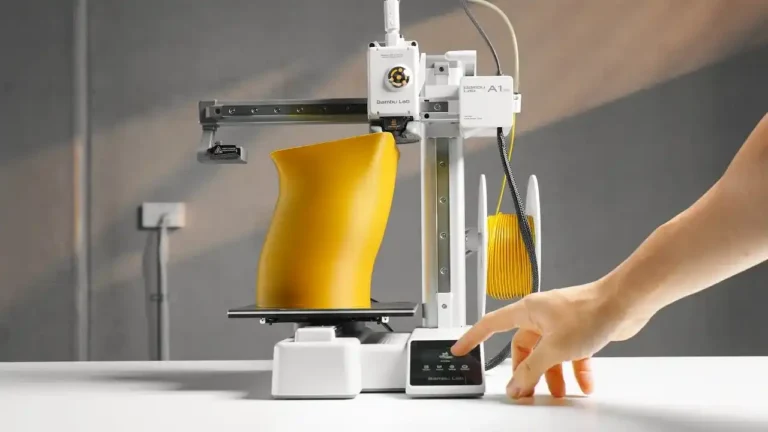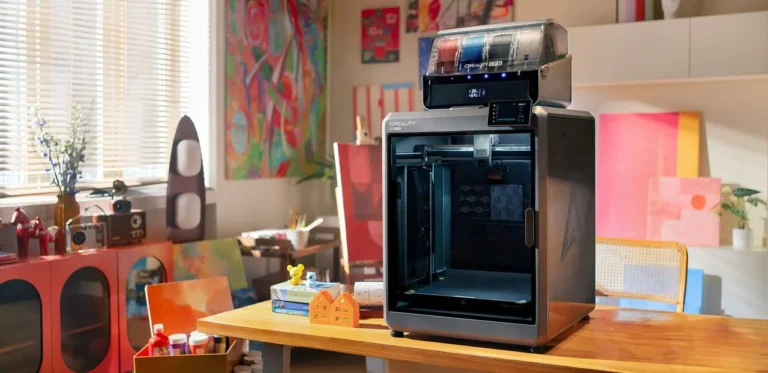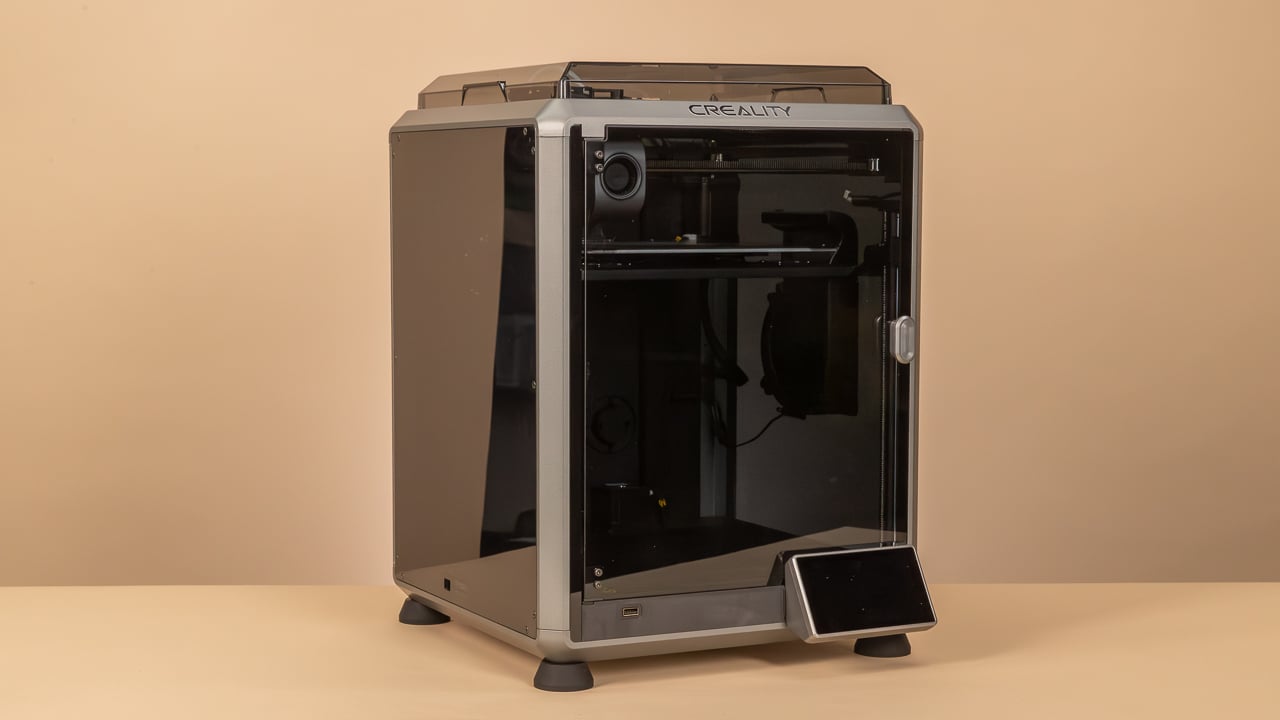
3D Printing Cost Calculator, 3D printing has transitioned from a mere hobbyist pursuit into the backbone of localized manufacturing and personalized commerce. Whether you own a Bambu Lab A1, a Creality K1C, or an Anycubic Kobra, every 3D printer owner is essentially running a micro-factory. However, the most critical question for success remains: “How much does this print actually cost?”
Many makers make the mistake of only weighing the filament and guessing the price. But in the professional landscape of 2026, you must calculate electricity, depreciation, failure risks, and labor with precision. At pea3d.com, we have developed advanced tools to solve this complex equation. This guide explores everything you need to know about calculating 3D printing costs according to modern industry standards.
1. Material Costs: Beyond the Spool Price
Filament is the most obvious cost, but the calculation is more nuanced than it appears at first glance.
Net Weight vs. Gross Usage
When your slicer (Bambu Studio, Cura, or OrcaSlicer) shows a weight of 100 grams, that is usually just the model. In reality, the printer consumes additional material for:
- Support Structures: These end up in the trash but cost real money.
- Brims, Skirts, and Rafts: These adhesion aids add up over dozens of prints.
- Purge Lines and Flushes: Especially with multi-material systems like the Bambu Lab AMS, the amount of “filament poop” can be significant.
Material Diversity in 2026
In 2026, we aren’t just using PLA. Costs vary wildly:
- Standard Filaments (PLA/PETG): Affordable and reliable.
- Engineering Plastics (ASA, PC, PA-CF): These are often 3-4 times more expensive and require specialized storage (dry boxes), increasing indirect costs.
Using the pea3d.com calculator allows you to input these variables exactly to avoid losing money on high-end materials.
2. Energy Costs: Analyzing 2026 Power Consumption
Electricity prices are a critical factor. A 3D printer isn’t a blast furnace, but during long print times, the consumption adds up.
The Heated Bed: The Main Consumer
The majority of energy is used to bring the print bed to temperature and maintain it.
- PLA Prints: At a 60°C bed temperature, consumption is moderate.
- Technical Prints (ABS/ASA): The bed must often stay at 100°C or higher. Combined with active chamber heating (found in the Creality K-series), the hourly power cost can double.
A modern printer in 2026 consumes between 150W and 350W. If you don’t input your local kW/h rate into the pea3d.com tool, electricity costs will silently eat your profit margins.
3. Depreciation: The Invisible Cost
A 3D printer is an investment that loses value with every hour of operation. This is “depreciation.”
Life-Cycle Calculation
Suppose you buy a Bambu Lab P2S for $800 and expect a lifespan of 5,000 operational hours. This means every hour the printer runs costs you $0.16 in hardware wear-and-tear alone. If you don’t include this in your selling price, you won’t have the capital to buy a replacement machine when yours eventually wears out.
Consumables and Maintenance
In addition to the machine, components wear out:
- Nozzles: Abrasive filaments (like Carbon Fiber) can destroy a standard nozzle in a single 24-hour print.
- Build Plates: PEI coatings lose their adhesion over hundreds of heat cycles.
- Belts and Bearings: Regular maintenance intervals must be financially planned for.
4. Labor and Time: Your Most Valuable Asset
The printer might work alone, but you don’t. Your time is your most expensive overhead.
Preparation and Slicing
Finding or designing models, adjusting parameters in the slicer, and preparing the printer usually takes 15 to 30 minutes per project.
Post-Processing
This is often where the highest costs occur. Removing supports, sanding, painting, or chemical smoothing can take longer than the actual print. At pea3d.com, we always advise including a fixed hourly rate for your own labor in the calculation.
5. Failure Risk and Waste Management
No printer is perfect. Even in 2026, failures occur due to power outages, filament tangles, or warping.
The Risk Premium
Professional shops usually calculate a failure rate of 5% to 10%. This means adding a percentage to the material and power costs to cover the cost of the “trash” that is inevitably produced. Complex geometries require a higher risk premium than simple blocks.
6. Brand Comparison: 2026 Cost Factors
The choice of printer massively affects your calculations on pea3d.com:
- Bambu Lab (A1/P2 Series): Extremely fast. Higher speed means lower power consumption per model and lower labor costs. However, replacement parts are often proprietary and more expensive.
- Creality (K1/Ender V3 Series): Thanks to open-source roots, spare parts are very cheap. Depreciation costs are often lower here, but maintenance might take more of your time.
- Anycubic & Elegoo: Ideal for large formats. While electricity costs rise due to massive heated beds, the initial investment cost per cubic centimeter of build volume is unbeatable.
7. Why pea3d.com is the Industry Standard for Calculation
Simple spreadsheets are no longer enough in 2026. Our tool on pea3d.com offers:
- Dynamic Price Adjustments: React instantly to fluctuating electricity or filament prices.
- Profit Margin Optimization: See exactly how a 5% price increase affects your monthly bottom line.
- Professional Quotes: Generate cost estimates for customers based on real, verifiable data.
8. Pricing Strategies for 3D Printing Services
Once you know the costs, you must set the price. There are three main approaches:
- Cost-Plus Strategy: You take the costs from pea3d.com and add a 50-100% profit margin.
- Market-Oriented: You check what competitors in your region (e.g., the Ankara Media Design market) are charging.
- Value-Based: If you are printing an irreplaceable spare part for an expensive machine, the value to the customer is much higher than the material cost. Charge a price that reflects that value.
Frequently Asked Questions (FAQ)
Is 3D printing still profitable as a business in 2026? Yes, absolutely. Niche markets like spare parts, personalized ergonomic products, or small-batch manufacturing are highly profitable if you control your costs.
How can I reduce the cost per print? Optimize your infill (Gyroid is efficient), use larger nozzles for faster print times, and buy filament in bulk to lower the price per kilogram.
How accurate is the pea3d.com calculator? Our calculator is based on real consumption data from the most popular 2026 models. It is as accurate as the data you provide (power rates, filament prices, and labor time).
Conclusion: Success Starts with Precision
To survive in the 2026 3D printing market, you cannot afford to guess. A profitable business is built on hard numbers. pea3d.com is your partner in making invisible costs visible. Only when you know your true costs can you set prices that not only cover expenses but enable real growth.
Use our 3D Printing Cost Calculator today and turn your hobby into a professional, profitable venture!